Hello!
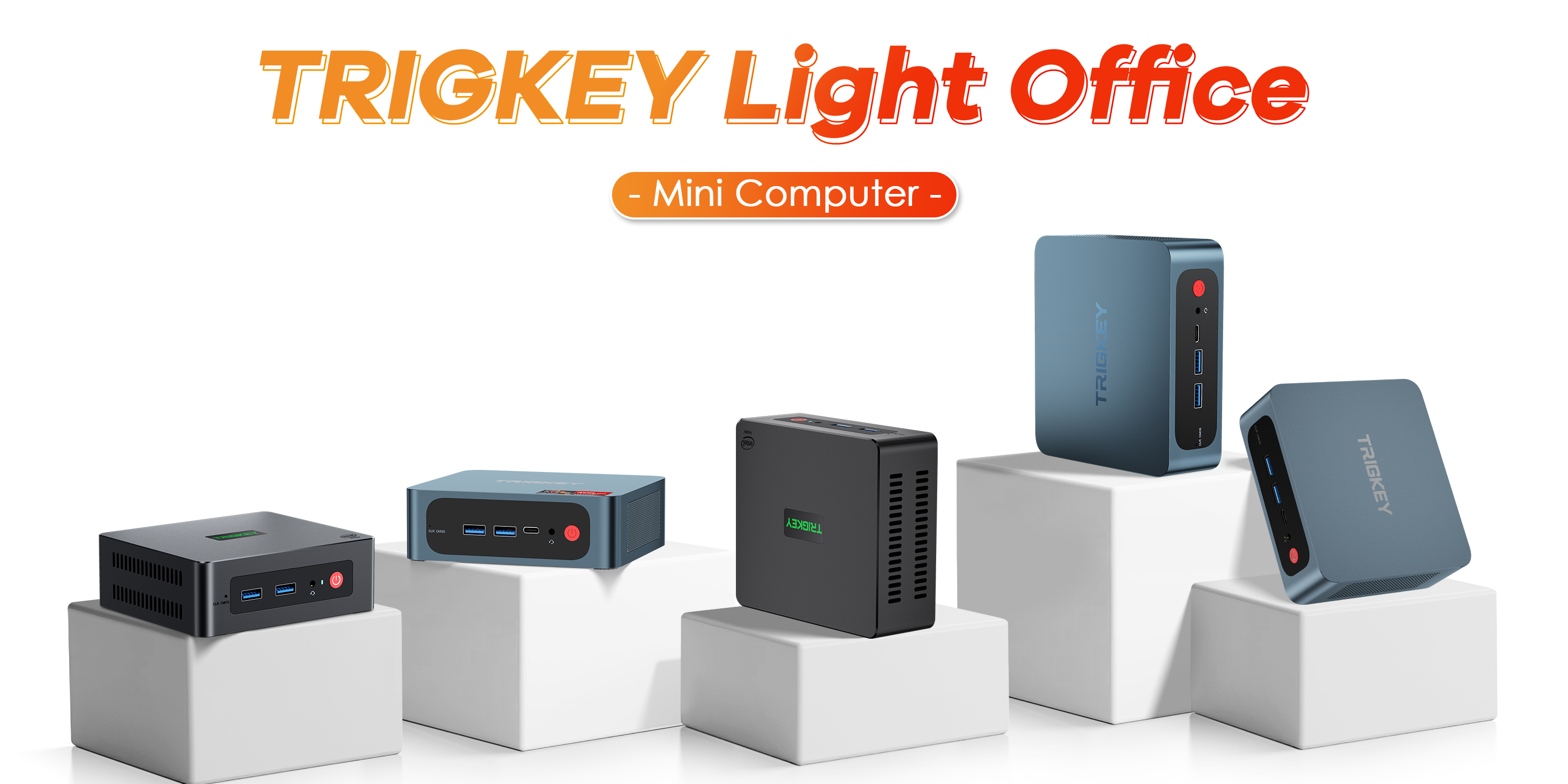
The TRIGKEY Mini PC has been amazing. However, we have had 2 of them randomly say:
"No Media Present"
then proceeds to go to the BIOS Screen. I have tried multiple routes to fix this problem. Some being:
- Unplug the hard-drive and replug it in.
- Use the CMOS reset.
What are other ways to fix my issue? Simply putting it, I can only access BIOS. I do not know how to reinstall Windows 11 through BIOS. I have also noticed that my BIOS is showing 2007 date. I do not know if that triggers anything but I have changed it to represent current date. It just simply changes it back once it powers off.
@Jacob Hughes In the BIOS, you should be able to choose the disk where is instaled Windows. Choose "BOOT" and there select the good driver.
@Nicolas Poupinet so i have the same problem as Jacub! But I don't know what do you mean with your answer. I had to buy a new NVME m.2 but when I tried to install Win 11 in the installer Windows doesnt found any media. I downloaded your Version from Mega, but the installation also fails. What can I do?
@S W What I mentioned previously was the “boot manager”. You should be able to access it when you launch your PC, by clicking F7 or F8, I don't know! Try this.